ifahrer logo

iFahrer - Führerschein

Get ready for your license test with AI assistance!

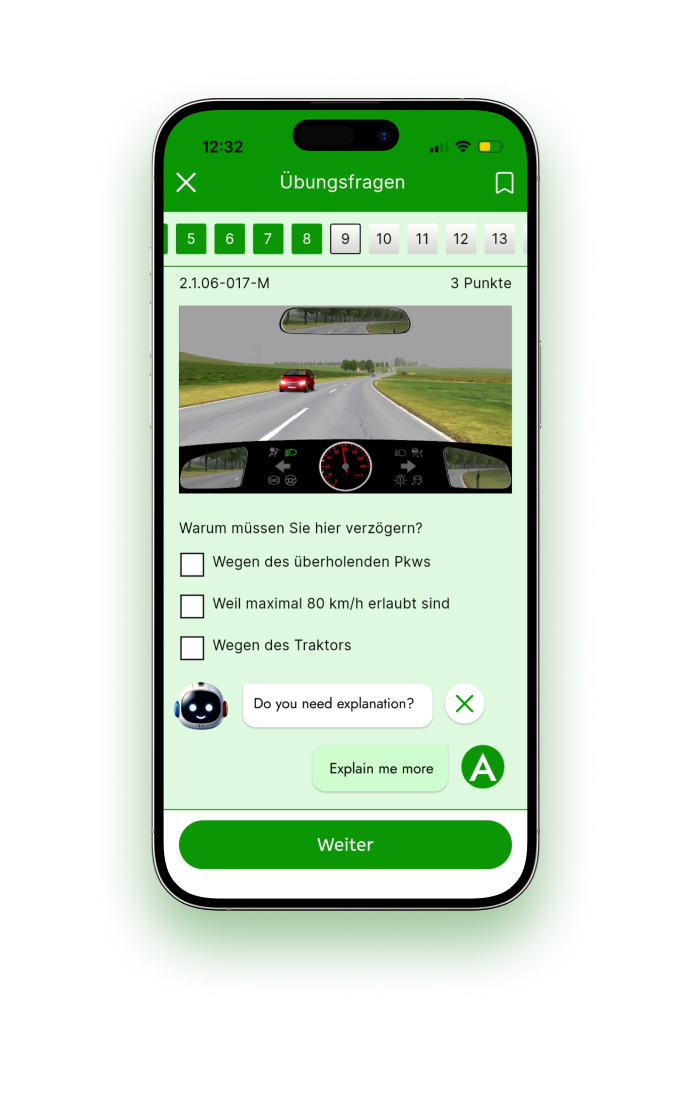
While driving, you are using your motor vehicle’s active lane keep assist system. How can you manually override this driver assist system in the event that it intervenes?

check

By counter-steering

check

By activating the indicator

check

By accelerating

Here is Our AI Assistant's Explanation

ifahrer logo

In German traffic rules, active lane keep assist systems help keep your vehicle within its lane by providing steering inputs. To manually override this system when it intervenes, you can either counter-steer or activate the indicator.

Counter-steering (turning the steering wheel opposite or more strongly) signals to the system that you want to take control, so it temporarily stops assisting. Activating the indicator shows your intention to change lanes, which also causes the system to pause or disengage to allow you to execute the maneuver safely.

Simply accelerating does not override the lane keep assist, as it is designed to respond to steering and signaling inputs, not speed changes. Therefore, the correct ways to manually override the system are by counter-steering or using the indicator. Understanding these helps ensure you maintain control and handle the assist system properly while driving.

Learn more by downloading app

ifahrer ios app ifahrer android app
Browse categories
Danger/hazard awareness What to do as a road user Right-of-way / Priority Traffic signs Environmental protection Technical aspects Fitness and qualification of motor-vehicle operato Regulations on the operation of vehicles
ifahrer app

iFahrer – Driver’s License

Master driving with AI – Prepare, Practice, Pass!

iFahrer – Driver’s License

Master driving with AI – Prepare, Practice, Pass!
ifahrer app